
Introduction
Converting images into PDF documents is a common task for students, businesses, website owners, digital marketers, and content creators. Whether someone is preparing scanned invoices, combining product photographs, submitting application documents, or creating a digital portfolio, the process often starts with multiple image files that need to be organized into a single document.
However, image-heavy PDFs can become unexpectedly large. High-resolution photographs, scanned pages, and uncompressed graphics can increase file sizes, making documents slower to upload, harder to share, and less convenient to store.
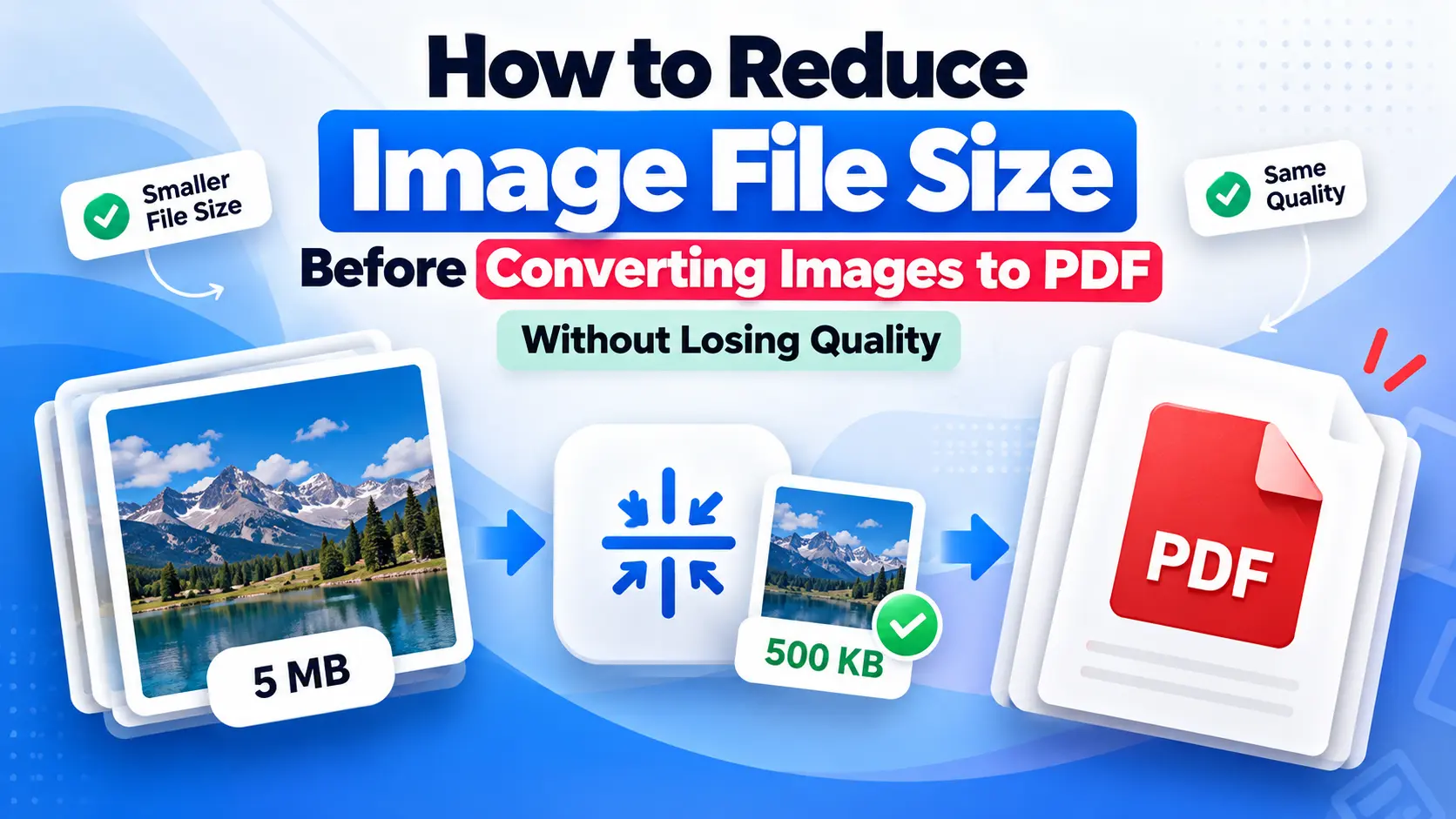
One practical solution is to reduce image file size before converting images to PDF. When performed carefully, image compression can reduce the amount of data required to store an image while preserving the details that matter to the reader.
This case study examines the technical considerations, evaluation methods, and recommended workflow for optimizing images before PDF conversion. Because no verified experimental dataset or real-world project analytics were supplied, this article presents a proposed evaluation methodology and an illustrative scenario rather than claiming measured results from an actual experiment.
Background and Context
Why image file sizes affect PDF documents
PDF files can contain text, vector graphics, embedded fonts, photographs, and scanned images. When a PDF is created from multiple high-resolution photographs, the embedded image data may account for much of the final file size.
For example, a business preparing a product catalog with dozens of photographs may generate a document that is unnecessarily large if every image is embedded at its original resolution.
Large PDFs can create several practical problems:
- Longer upload and download times on slower connections.
- Difficulty meeting file-size limits on application portals and email systems.
- Increased storage requirements.
- Slower document previews on some devices.
- Less efficient content distribution.
The final PDF size depends on more than the number of images. Image dimensions, compression settings, file format, embedded metadata, and the PDF conversion software can all influence the result.
The relationship between image compression and PDF conversion
Image compression reduces the amount of data needed to represent an image. There are two main approaches.
Lossless compression reduces file size without discarding the original image information. It is useful when preserving exact pixel values is important, although the size reduction may be limited for certain images.
Lossy compression removes some image information to achieve greater file-size reductions. When applied appropriately, the visual differences may be difficult to notice, but aggressive compression can introduce blur, artifacts, or color changes.
JPEG is commonly used for photographs, while PNG is often appropriate for graphics, screenshots, and images requiring transparency. The best choice depends on the content and intended use.
Compressing images before conversion can reduce the amount of image data that needs to be embedded in a PDF. However, the conversion software may recompress images or apply its own optimization settings, so the final result should always be checked.
Objectives and Research Questions
This proposed case study focuses on the following objectives:
- Determine how pre-conversion image compression can affect the final PDF file size.
- Identify compression approaches that balance document quality and storage efficiency.
- Evaluate whether image dimensions should be adjusted before conversion.
- Establish a repeatable workflow for preparing images for PDF documents.
- Identify how the workflow could be evaluated through measurable performance indicators.
The main research question is: Can reducing unnecessary image data before PDF conversion produce smaller, practical documents without visibly compromising the information readers need?
A secondary question is whether the benefits differ between scanned documents, photographs, screenshots, and graphics.
Methodology: How to Evaluate Image Compression Before PDF Conversion
Step 1: Select representative image files
A reliable evaluation should use images that reflect real document preparation tasks.
The test set could include:
- Photographs captured by smartphones.
- Scanned pages containing text and signatures.
- Screenshots with small text.
- Product photographs for catalogs.
- PNG graphics containing transparent backgrounds.
Record the original file format, dimensions in pixels, file size, and intended use of each image.
Using different image categories matters because photographs and text-heavy screenshots respond differently to compression. A setting that works well for a photograph may damage the sharp edges of small text.
Step 2: Establish a baseline
Before changing the images, create a baseline PDF using the original files.
Record the following information:
- Total size of the original image files.
- Number of images included.
- Dimensions and formats of the source images.
- Final PDF file size.
- Readability of text and clarity of important details.
Keep the conversion method consistent throughout the evaluation. Otherwise, changes in PDF settings could be mistaken for improvements caused by image compression.
Step 3: Compress copies of the original images
Create compressed copies rather than overwriting the original files.
Use lossless compression where exact image information must be preserved. For photographs, test moderate lossy compression and compare the visual output with the original.
Resize images when their dimensions substantially exceed the requirements of the final document. For instance, a photograph intended for a small illustration may not need the same pixel dimensions as a full-page image.
Avoid applying unnecessary resizing or repeated lossy compression. Each additional processing step can introduce quality degradation.
Step 4: Convert the optimized images into PDFs
Convert the optimized copies into a PDF using the same software and settings used for the baseline.
Keep the page dimensions, image placement, page order, and other relevant settings unchanged. This helps isolate the effect of the image optimization process.
If the conversion tool includes image compression options, document those settings. Some tools automatically recompress embedded images, which can change the final outcome.
Step 5: Compare file size and visual quality
Calculate the percentage reduction in file size using this formula:
File-size reduction (%) = ((Original PDF size - Optimized PDF size) ÷ Original PDF size) × 100
For example, suppose an illustrative PDF decreases from 10 MB to 6 MB after image optimization. The reduction would be 40%.
This is a hypothetical calculation, not a measured result from a real experiment.
File size alone is not enough to establish success. Review the optimized PDF at its intended viewing size and, when necessary, at higher magnification. Inspect small text, signatures, fine lines, image edges, and color transitions.
Findings and Analysis
1. Image type influences compression results
Photographs often contain complex textures and gradual color transitions. Lossy compression can sometimes reduce their file sizes substantially without producing obvious differences at normal viewing sizes.
Screenshots and scanned documents require more care. Compression artifacts around letters can affect readability, particularly when the source image contains small text.
For documents used in administrative, educational, or legal workflows, preserving readable text and signatures should take priority over achieving the smallest possible file.
2. Image dimensions can matter as much as compression settings
A high-resolution image contains more pixels than a smaller image. If the final document displays that image at a much smaller physical size, some of the original resolution may be unnecessary.
Reducing image dimensions to match the intended display size can therefore be an effective optimization strategy.
However, excessive resizing can make fine details difficult to read when the document is printed or enlarged. Images intended for professional printing may require higher resolution than images intended for on-screen viewing.
3. Pre-conversion optimization does not guarantee a smaller PDF
The final outcome depends on the conversion software and its handling of embedded images.
A converter may recompress images, preserve their existing compression, or optimize them using its own settings. Consequently, the amount of improvement varies by workflow.
The correct approach is to compare the final PDF files rather than assuming that a smaller collection of source images will always produce an equivalent reduction in the finished document.
4. Quality must be evaluated alongside file size
A smaller PDF is not necessarily a better PDF.
If compression makes text difficult to read, removes important details, or introduces distracting visual artifacts, the trade-off may be unacceptable.
A useful evaluation should therefore consider three outcomes together:
- Efficiency: How much smaller is the final PDF?
- Quality: Are the important visual details preserved?
- Usability: Does the document remain easy to view, share, print, and upload?
Without actual test measurements, no specific compression level can be identified as universally optimal.
Practical Workflow for Reducing Image Size Before PDF Conversion
For everyday document preparation, the following workflow provides a sensible starting point.
Step 1: Organize the source images
Place all images in a dedicated folder and retain untouched copies of the originals. Confirm the correct page order before processing.
Step 2: Choose an appropriate compression method
Use lossless optimization when exact image information is important. For ordinary photographs, moderate lossy compression may offer a better balance between file size and appearance.
Step 3: Resize oversized images
Check whether the original pixel dimensions are necessary for the final PDF. Resize images according to their intended display size and printing requirements.
Step 4: Use an image compression tool
A browser-based tool can simplify the preparation process when installing desktop software is inconvenient. For this stage, a free online image compressor is one option to consider when preparing images for a PDF workflow. Evaluate the output against the original files before using the compressed images in an important document.
For confidential documents, first review the tool's privacy policy and file-handling practices. Do not upload sensitive personal, financial, or business information to an online service unless its handling of that information meets your requirements.
Step 5: Convert the images to PDF
Import the optimized files into a PDF converter. You can use Images to PDF on PDF Tools Ai to assemble JPG, PNG, and WebP pictures into a unified, publication-ready document directly in your browser. Confirm page order, orientation, margins, and image placement before saving the document.
Step 6: Verify the final result
Compare the final PDF with the baseline, if one exists. Check the file size, readability, page layout, and overall visual quality. If the document is still too large, consider adjusting the image dimensions or compression settings and repeating the test.
Off-Page SEO Implications and Content Distribution
Although the primary subject is image optimization, this topic can also support a legitimate off-page SEO strategy.
Educational content that solves a specific problem may be useful to website owners, digital marketers, students, and productivity-focused publishers. A well-researched article can be distributed through relevant communities, professional newsletters, guest-contribution opportunities, and outreach to publishers that cover document management or digital productivity.
Editorial relevance and contextual backlinks
A contextual backlink is most useful to readers when it points to a resource that genuinely supports the surrounding discussion.
For example, a paragraph about preparing images before PDF conversion can reasonably reference an image compression resource. The destination should be relevant to the task, and the surrounding article should provide substantial value independently of the link.
However, a link's presence does not guarantee higher rankings. Search engines evaluate many signals, and the effect of an individual backlink cannot be reliably predicted without additional evidence.
Publisher quality and referral traffic
When distributing this type of case study, evaluate potential publishers based on:
- Topical relevance to image optimization or document workflows.
- Originality and editorial quality.
- Actual audience engagement.
- Whether the content is accessible to readers.
- Referral visits and engagement after publication.
A publication's domain authority score, where available from third-party tools, is an estimate rather than a direct Google ranking metric.
Self-published articles and Web 2.0 posts should not be described as independent editorial endorsements. Prioritize useful content and legitimate editorial relationships instead of creating large volumes of repetitive pages solely to obtain backlinks.
Measuring the outcome
For a future campaign, record the publication URL, publication date, destination URL, anchor text, referral sessions, and relevant search performance.
Google Analytics can help identify referral traffic, while Google Search Console can provide information about search impressions, clicks, and query performance. Backlink discovery tools may also help identify links, although their indexes are not exhaustive.
These measurements can help evaluate whether the content reaches the intended audience. They cannot, by themselves, prove that a single backlink caused a ranking change.
Key Lessons
The proposed evaluation highlights several practical principles.
First, optimize images according to their intended use rather than applying the same compression settings to every file.
Second, reduce unnecessary image dimensions before conversion when the original resolution exceeds actual requirements.
Third, evaluate the finished PDF because conversion software can affect compression and file size.
Fourth, preserve originals and compare visual quality before distributing important documents.
Finally, treat content distribution and backlink acquisition as separate from technical image optimization. Relevant educational content may attract readers and referral visits, but SEO results should be measured rather than assumed.
Actionable Recommendations
For individuals and organizations that regularly create image-heavy PDFs, the recommended priorities are:
- Start with a baseline: Record the original image sizes and final PDF size before making changes.
- Preserve important details: Use conservative compression for text-heavy scans, signatures, and documents requiring high readability.
- Resize when appropriate: Match image dimensions to intended screen or print use.
- Avoid unnecessary processing: Keep original files and minimize repeated lossy compression.
- Test the final PDF: Inspect readability, page layout, and file size after conversion.
- Protect confidential information: Check privacy and file-handling policies before using online services.
- Document the results: Track file-size changes and quality observations across representative examples.
- Distribute educational content responsibly: Seek relevant publishers and genuine audiences instead of relying on automated or repetitive link creation.
These steps create a repeatable workflow that balances file efficiency, document quality, and practical usability.
Frequently Asked Questions
1. Should I compress images before converting them to PDF?
Compressing images beforehand can help reduce the final PDF size, particularly when the source images are unnecessarily large. The outcome depends on the original files and the conversion software, so inspect the finished document before sharing it.
2. How can I reduce image file size without losing quality?
Start with lossless compression when appropriate, remove unnecessary image dimensions, and avoid excessive lossy compression. Some reductions are possible without visible changes, but the amount depends on the image and its content.
3. Is JPEG or PNG better for PDF conversion?
JPEG is often suitable for photographs, while PNG is useful for screenshots, graphics, and images that require transparency. The best choice depends on the image's characteristics and whether exact detail preservation is important.
4. Does compressing images always reduce PDF size?
No. PDF conversion software may recompress images or apply different optimization settings. Comparing the original and optimized PDF files is the most reliable way to determine whether the workflow helped.
5. Can a contextual backlink improve SEO rankings?
A relevant backlink may help people discover a resource and can contribute to a website's overall link profile. However, one backlink does not guarantee ranking improvements, and its value depends on factors such as relevance, editorial context, and the broader search environment.
Conclusion
Reducing image file size before converting images to PDF can be a practical way to create more manageable documents without unnecessarily compromising visual quality. The most reliable approach combines appropriate compression, sensible resizing, consistent conversion settings, and a final quality check.
This case study provides a proposed methodology rather than verified experimental findings. To establish the actual benefits for a particular workflow, test representative images, compare the resulting PDF sizes, and document any changes in readability or appearance.
For SEO professionals and content publishers, the same principle of evidence-based evaluation applies to content distribution. Relevant articles, useful resources, and carefully measured referral performance provide a more credible foundation for off-page SEO than unsupported claims about rankings or backlink results.